Make ASCII art for Discord messages
Turn your image into characters you can paste into a Discord message. Try a real example, copy it as a Markdown code block, and preview the draft before sending.
For your own image, start with the 56-column Social preset and adjust the width to suit the subject. The three examples below use their own disclosed settings. If text wraps on a narrow screen or you need fixed colors, export PNG instead.
By Image to ASCII · Updated October 6, 2026
MESSAGE DRAFT / EXAMPLE
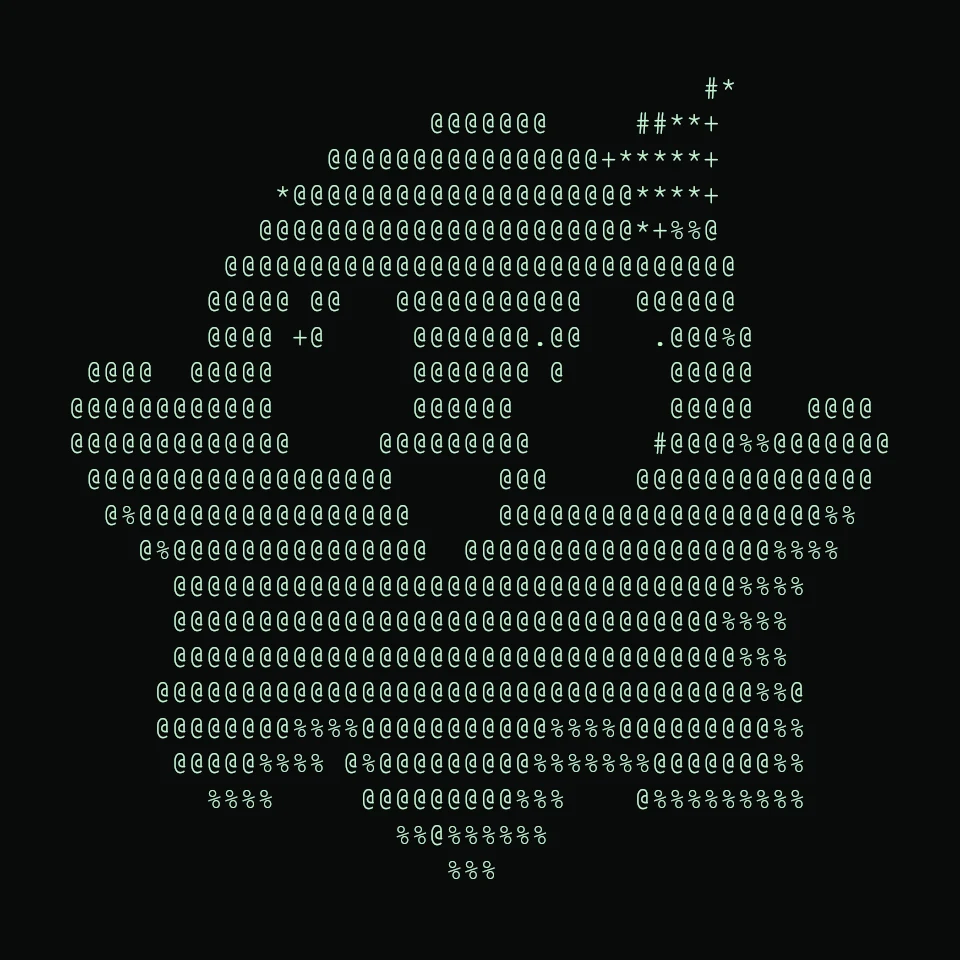
A little spark for the next build.
See the original Spark ghost image

Add a short greeting above your code block. This is a layout example, not a screenshot of a published Discord message.
Inspect the generated text and code fences
```


                                         #*
                         @@@@@@@     ##**+
                   @@@@@@@@@@@@@@@@+*****+
                *@@@@@@@@@@@@@@@@@@@@****+
               @@@@@@@@@@@@@@@@@@@@@@*+%%@
             @@@@@@@@@@@@@@@@@@@@@@@@@@@@@@
            @@@@@ @@   @@@@@@@@@@@   @@@@@@
            @@@@ +@     @@@@@@@.@@    .@@@%@
     @@@@  @@@@@        @@@@@@@ @      @@@@@
    @@@@@@@@@@@@        @@@@@@         @@@@@   @@@@
    @@@@@@@@@@@@@     @@@@@@@@@       #@@@@%%@@@@@@@
     @@@@@@@@@@@@@@@@@@      @@@     @@@@@@@@@@@@@@
      @%@@@@@@@@@@@@@@@@     @@@@@@@@@@@@@@@@@@@%%
        @%@@@@@@@@@@@@@@@  @@@@@@@@@@@@@@@@@@%%%%
          @@@@@@@@@@@@@@@@@@@@@@@@@@@@@@@@@%%%%
          @@@@@@@@@@@@@@@@@@@@@@@@@@@@@@@@%%%%
          @@@@@@@@@@@@@@@@@@@@@@@@@@@@@@@@@%%%
         @@@@@@@@@@@@@@@@@@@@@@@@@@@@@@@@@@@%%@
         @@@@@@@@%%%%@@@@@@@@@@@%%%%@@@@@@@@@%%
          @@@@@%%%% @%@@@@@@@@@%%%%%%%@@@@@@@%%
            %%%%     @@@@@@@@@%%%    @%%%%%%%%%
                       %%@%%%%%%
                          %%%


```
Three copyable Discord ASCII art examples
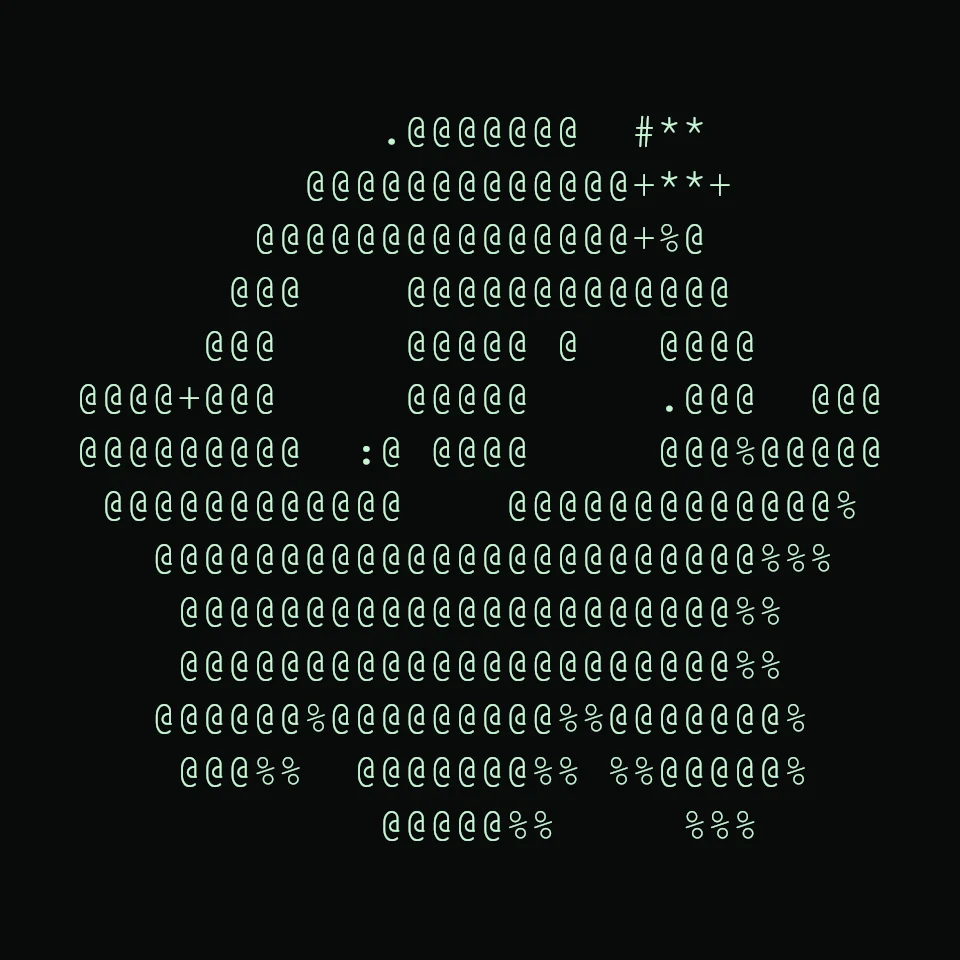
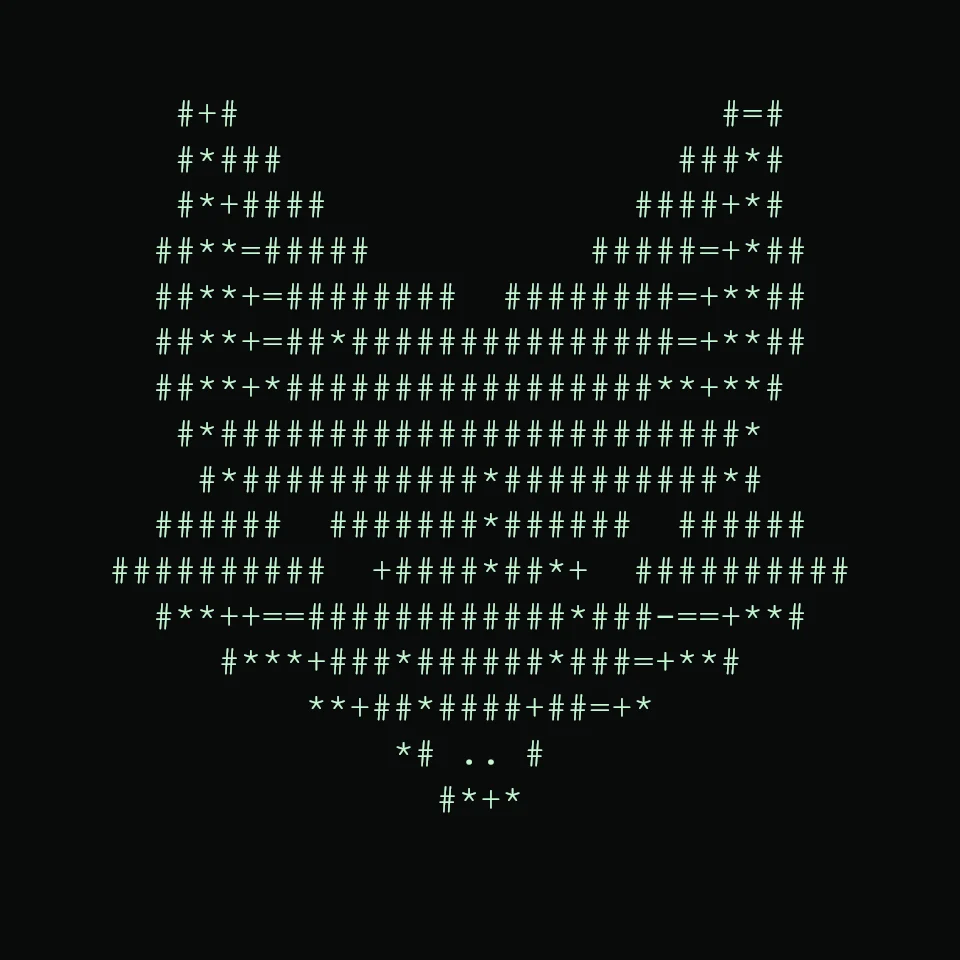
Start with the 56-column Spark ghost above when you want more detail. If a text draft feels too wide, compare these smaller versions before sending. Each preview below was generated from the linked source image by this converter; neither is a screenshot of a published Discord message.
COMPACT REPLY / 38 COLUMNS
Spark ghost, fewer characters
See the source image
View and select the actual text
               .@@@@@@@  #**
            @@@@@@@@@@@@@+**+
          @@@@@@@@@@@@@@@+%@
         @@@    @@@@@@@@@@@@@
        @@@     @@@@@ @   @@@@
   @@@@+@@@     @@@@@     .@@@  @@@
   @@@@@@@@@  :@ @@@@     @@@%@@@@@
    @@@@@@@@@@@@    @@@@@@@@@@@@@%
      @@@@@@@@@@@@@@@@@@@@@@@@%%%
       @@@@@@@@@@@@@@@@@@@@@@%%
       @@@@@@@@@@@@@@@@@@@@@@%%
      @@@@@@%@@@@@@@@@%%@@@@@@@%
       @@@%%  @@@@@@@%% %%@@@@@%
               @@@@@%%     %%%
PROJECT CHANNEL / 44 COLUMNS
A small fox mark
See the source image
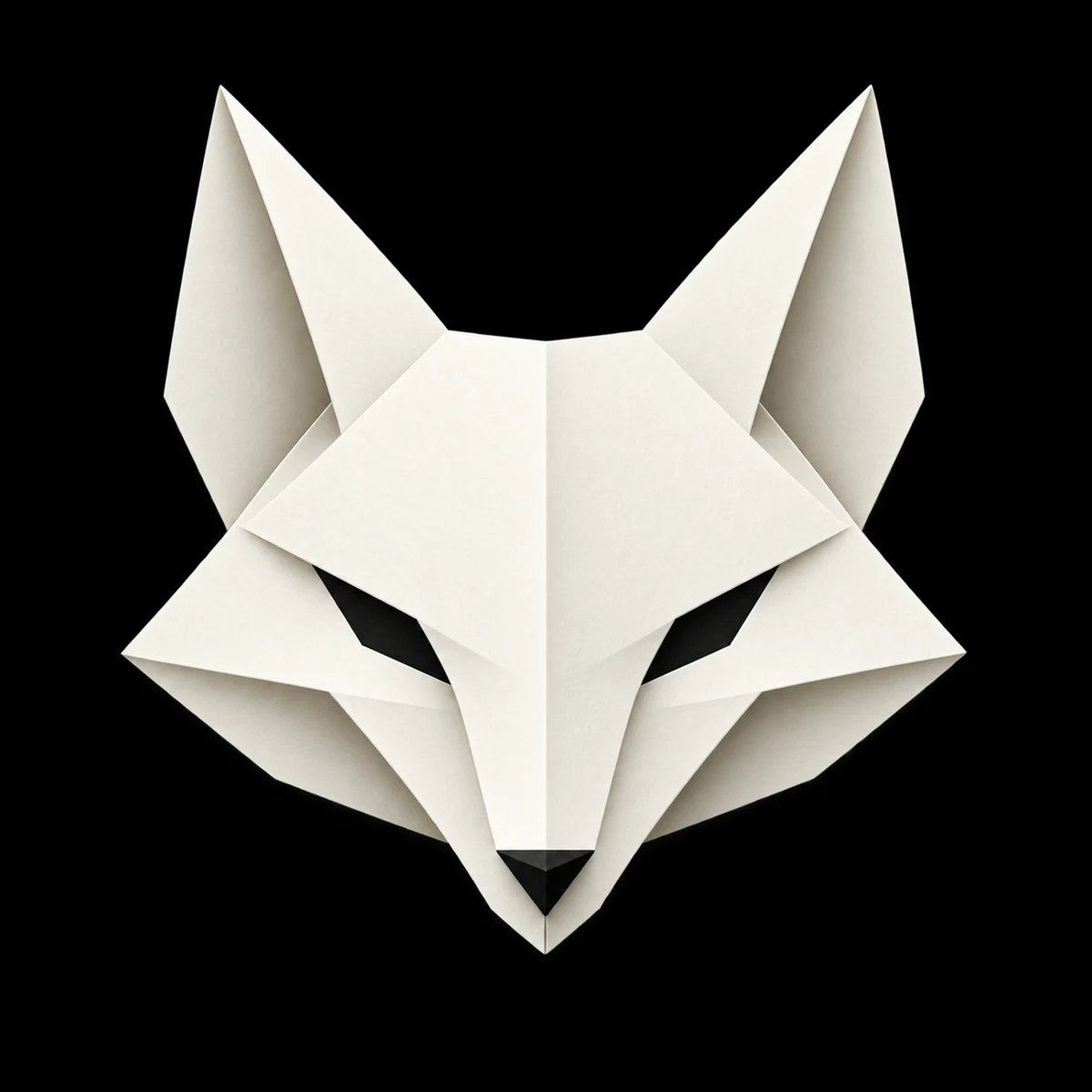
View and select the actual text
        #+#                      #=#
        #*###                  ###*#
        #*+####              ####+*#
       ##**=#####          #####=+*##
       ##**+=########  ########=+**##
       ##**+=##*###############=+**##
       ##**+*#################**+**#
        #*########################*
         #*###########*##########*#
       ######  #######*######  ######
     ##########  +####*##*+  ##########
       #**++==############*###-==+**#
          #***+###*######*###=+**#
              **+##*####+##=+*
                  *# .. #
                    #*+*
The TXT files contain only characters. Use Copy for Discord above to include the opening and closing code fences, or load an example and use Copy Markdown in the converter. Check the result in your destination: a narrower width reduces wrapping risk, but does not guarantee a fit on every phone.
Start with a narrow result
Open the converter, choose an image with a clear subject, and select Social. This preset uses 56 columns, the Dense character set, contrast 20, sharpening 20, background cleanup 92%, dithering on and invert on. A square source produces 56 × 27 character cells.
The 56-column setting is a tool preset, not a Discord message limit. Check the finished message in your own destination and on a narrow screen. Reduce width if the artwork is too wide, and try turning invert off if its tones look wrong for your image.
The Spark ghost example also uses 56 columns, but its own Discord recipe uses contrast 12, sharpening 12, tonal balance 1.10, background cleanup off, dithering off, invert on and color off. Loading the example applies those settings automatically. It differs from the general Social preset described above.
Use the Markdown copy action
- Load your image or load the Spark ghost example.
- Keep the supplied settings for Spark ghost. For your own image, start with Social and adjust until the subject is legible.
- Open More exports and choose Copy Markdown.
- Paste into your message draft and check that the opening and closing triple backticks remain on separate lines.
- Inspect the preview before sending. If it is clipped or rejected, reduce the output or use PNG.
Discord documents multi-line code blocks in its Markdown formatting guide. Code blocks help preserve text spacing. Use Copy Markdown to wrap the generated ghost in a code block before pasting.
Choose text or an image
| Need | Use |
|---|---|
| Selectable characters in a message | Copy Markdown, with a narrow width |
| Color and a fixed visual appearance | Download PNG |
| Reusable plain-text file | Download TXT |
The converter’s color preview does not add colors to plain Markdown. ANSI output is intended for compatible terminals; do not assume a chat platform will reproduce its appearance.
When the subject disappears
A busy background can overwhelm a small text result. Use a clearer crop and compare Simple with Dense. Background cleanup removes very light areas after tone mapping, so its effect also changes when you toggle invert. Adjust one setting at a time.
GIF input produces a still result rather than an animated ASCII message. The tool does not post to Discord automatically: copying and exporting happen locally, and you decide what to share.
Try the Discord ASCII art generator
For a repository or profile, see the GitHub README guide.